


Please note:
Access to the learning platform requires a TIBCO Account for SSO sign-in. If you don’t have a TIBCO Account, or aren’t sure if you do, please go to support.ibi.com and utilize the chat option ("Live Support") in the bottom right corner of the browser page. From the chat bot, select: "Login/Access Issue", "Login Errors", and answer "No the article didn't help". Once prompted, select "Yes" for the follow-up question "Do you want to speak to an agent?". At this point, they should be able to assist with account creation.
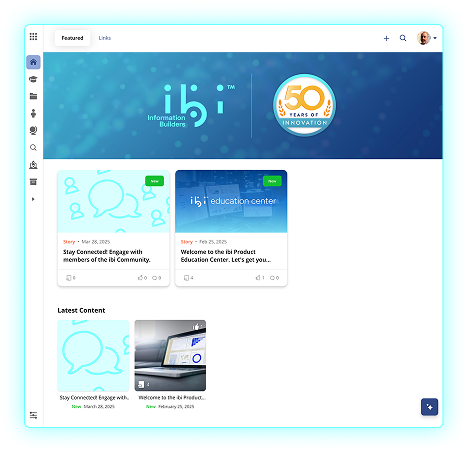
Once access to the ibi Education Center is enabled, users can browse and engage with training courses across all areas of ibi products including ibi™ WebFOCUS® Data & Analytics and ibi™ Mainframe.